
Search Insights
Search Insights can be accessed from Insights → Search in the SearchBlox Admin Console.
Search Insights provides detailed reports on how users interact with search in SearchBlox. These reports help you identify what is working well, discover content that needs improvement, and optimize search relevance and result rankings.
Available Reports
Search Queries Performance
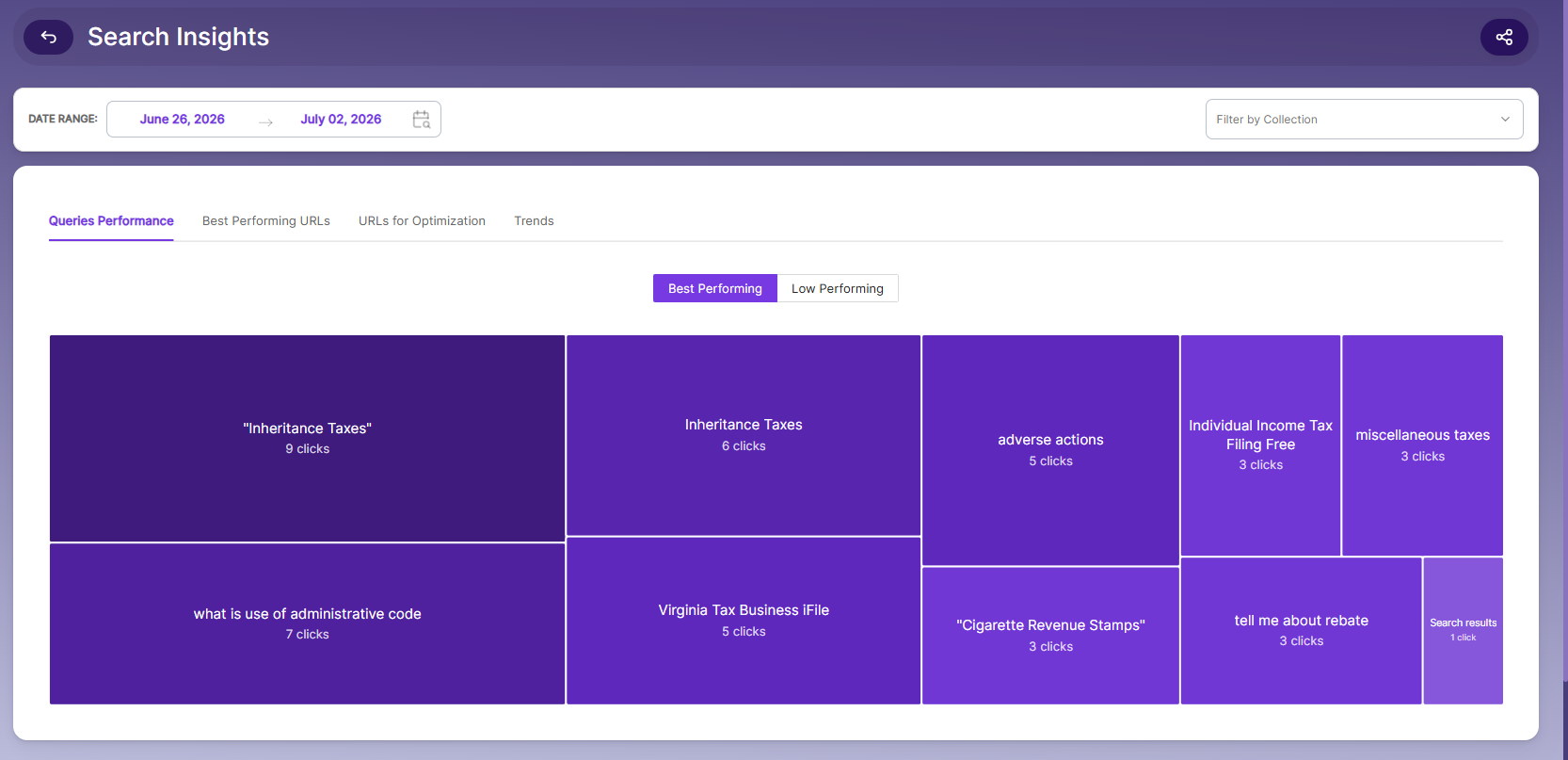
Shows queries that returned results, grouped by the number of URL clicks they received from different users.
This report includes two sub-views:
-
Best-Performing Queries — Displays queries with the highest number of URL clicks, along with the average position of the documents that were clicked.
-
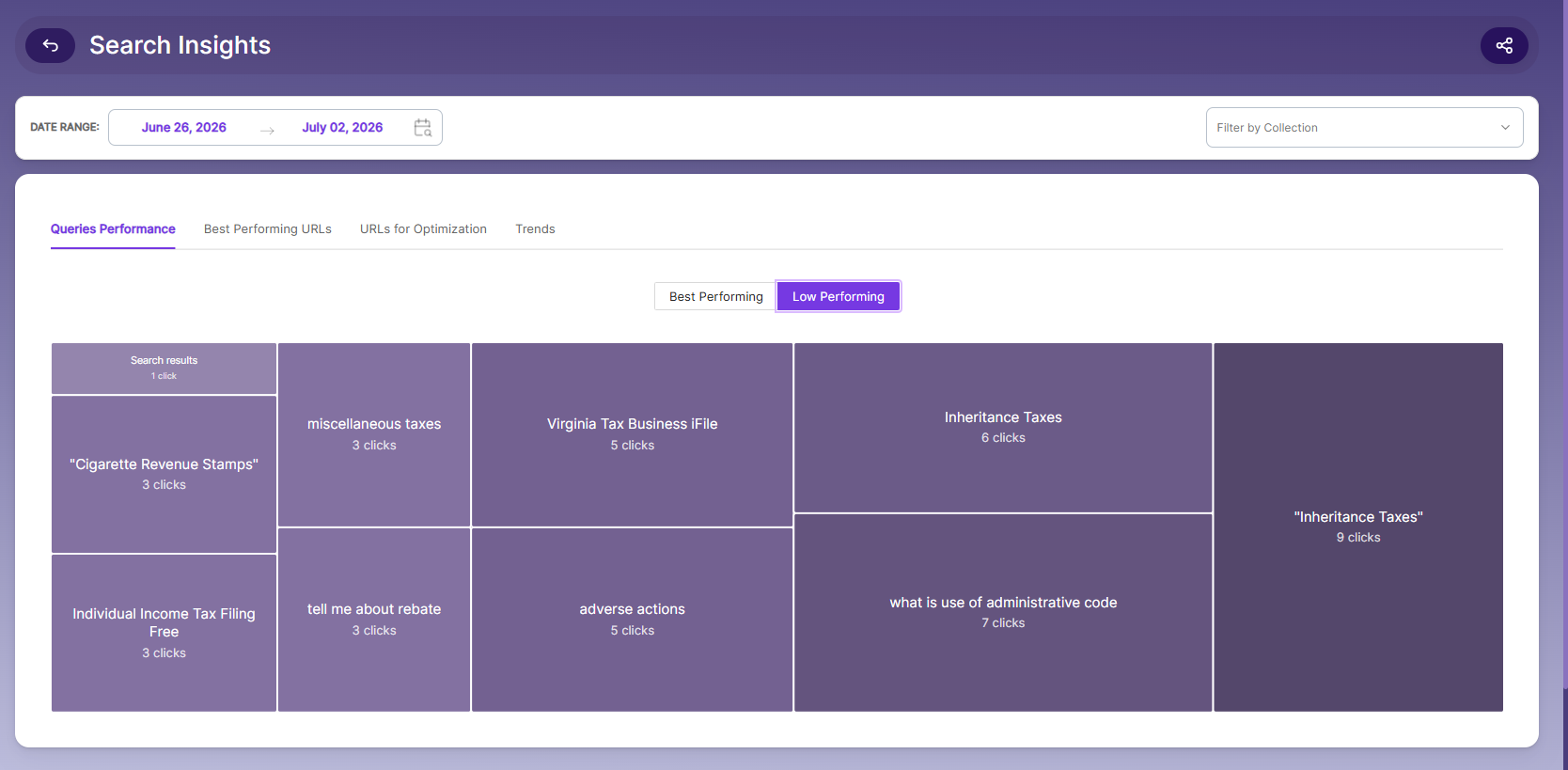
Low-Performing Queries — Displays queries with the lowest number of URL clicks (excluding queries with zero clicks), along with the average position of the documents that were clicked.
URLs for Optimization
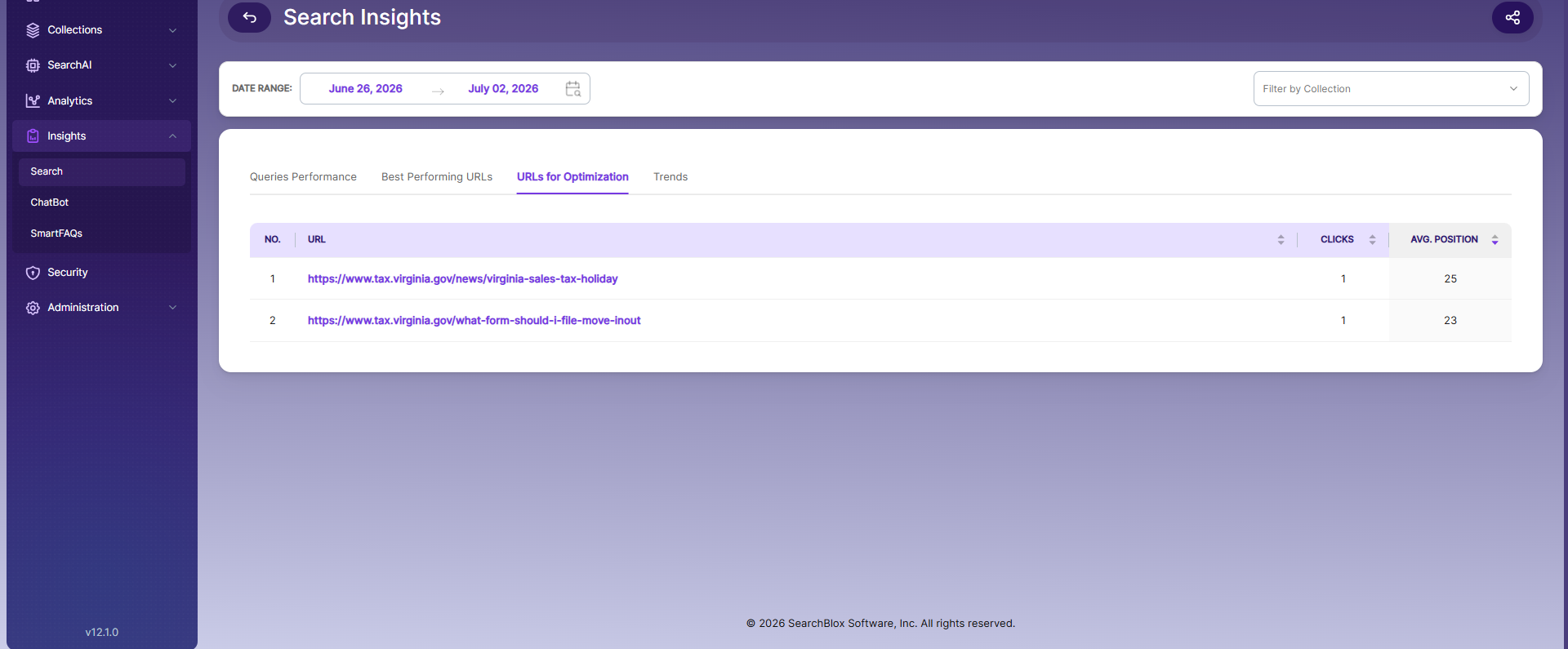
Lists URLs that users clicked even though they appeared after position 10 in the search results.
These URLs are candidates for promotion to higher positions using mRank for the associated queries, helping improve visibility and user engagement.
Best Performing URLs
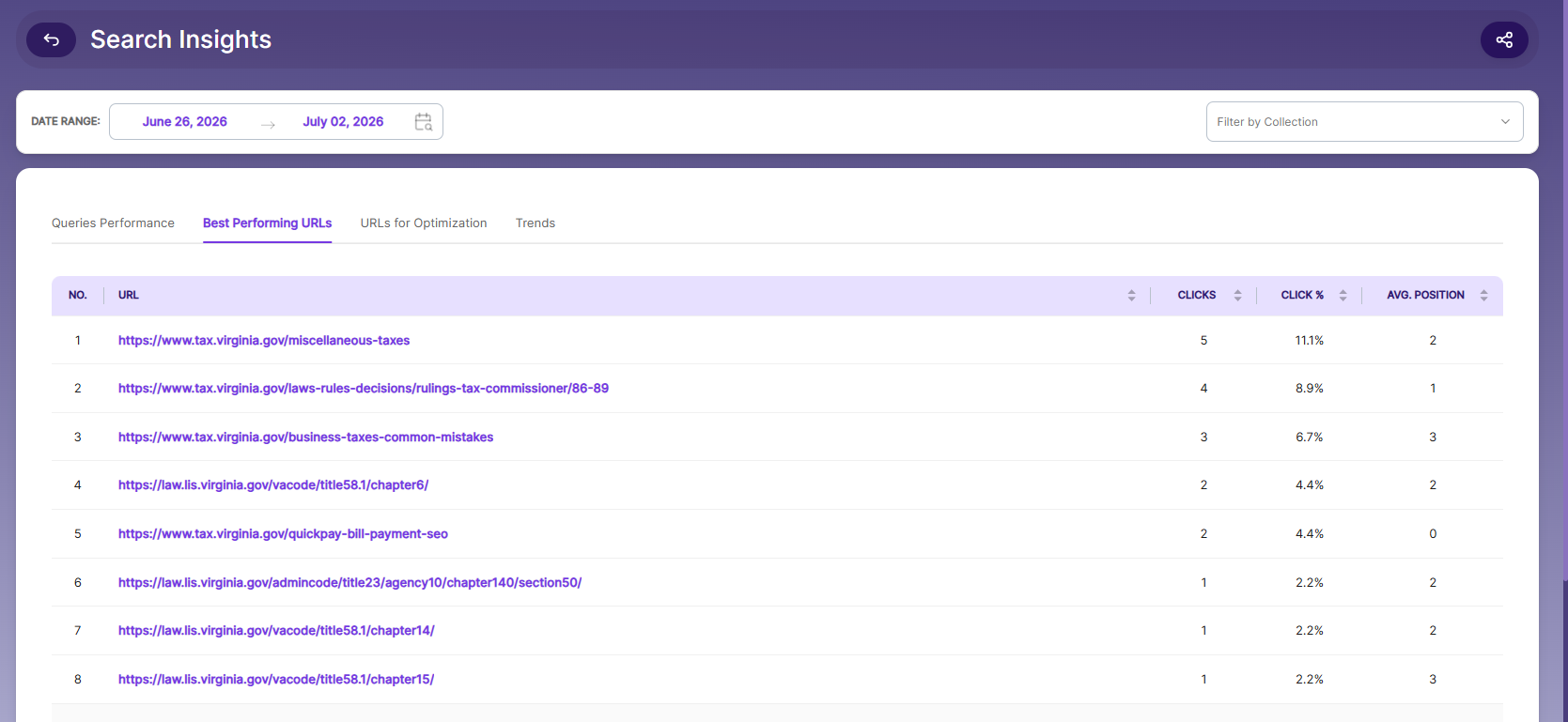
Shows the URLs that received the highest number of user clicks.
This report highlights the documents that are most viewed and most frequently accessed by users through search.
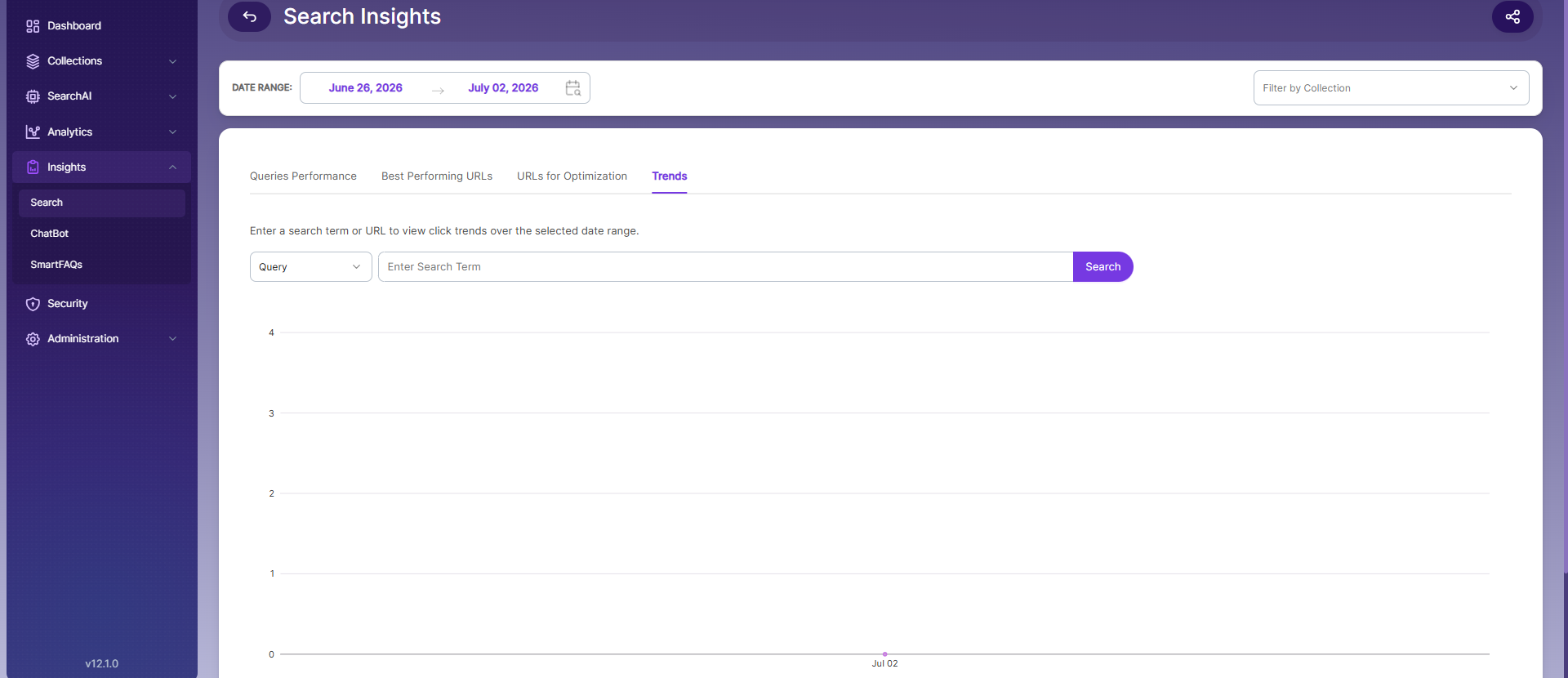
Trends
Displays user queries across different time periods, helping you identify:
Search patterns
- Changes in user interests
- Seasonal trends
- Emerging topics and content needs
Use this report to better understand user behavior and make data-driven decisions to improve search performance.
Updated 23 days ago