
Product Discovery Search
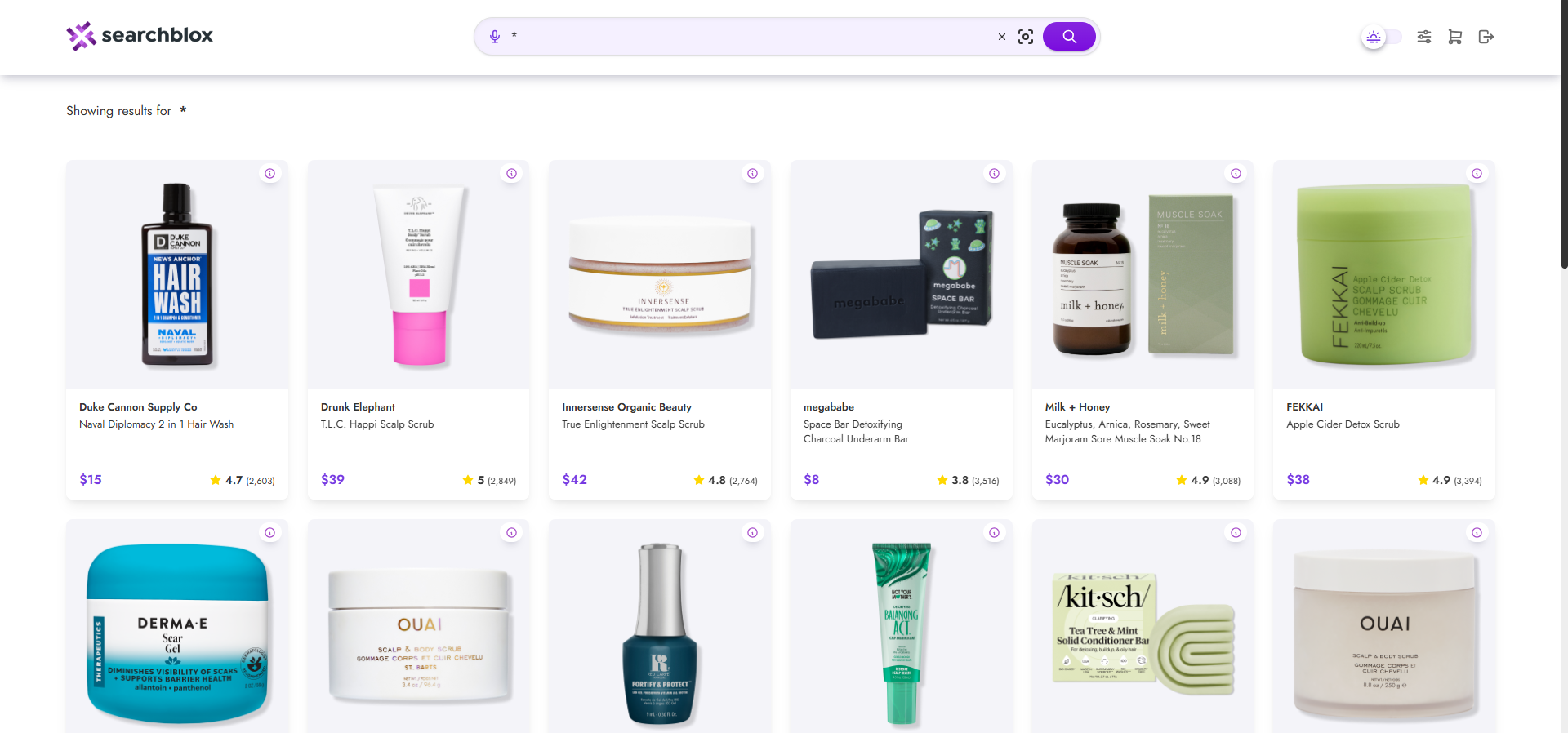
When you click the search icon for a Product Discovery collection, it opens the default hybrid search page. This page is designed to display and explore product details easily.
You can open the Product Discovery plugin using the provided link in your build.
https://localhost:8443/product-discovery/index.html
Prerequisite
- Download ,install and configure SearchBlox Service
- Create a Product Discovery Collection and index your CSV or JSON datasets before using this plugin Product Discovery Collection
Features of Product Discovery Plugin
You can search all products by simply entering the search terms.
-
The available settings for Product Discovery Search are listed here.
-
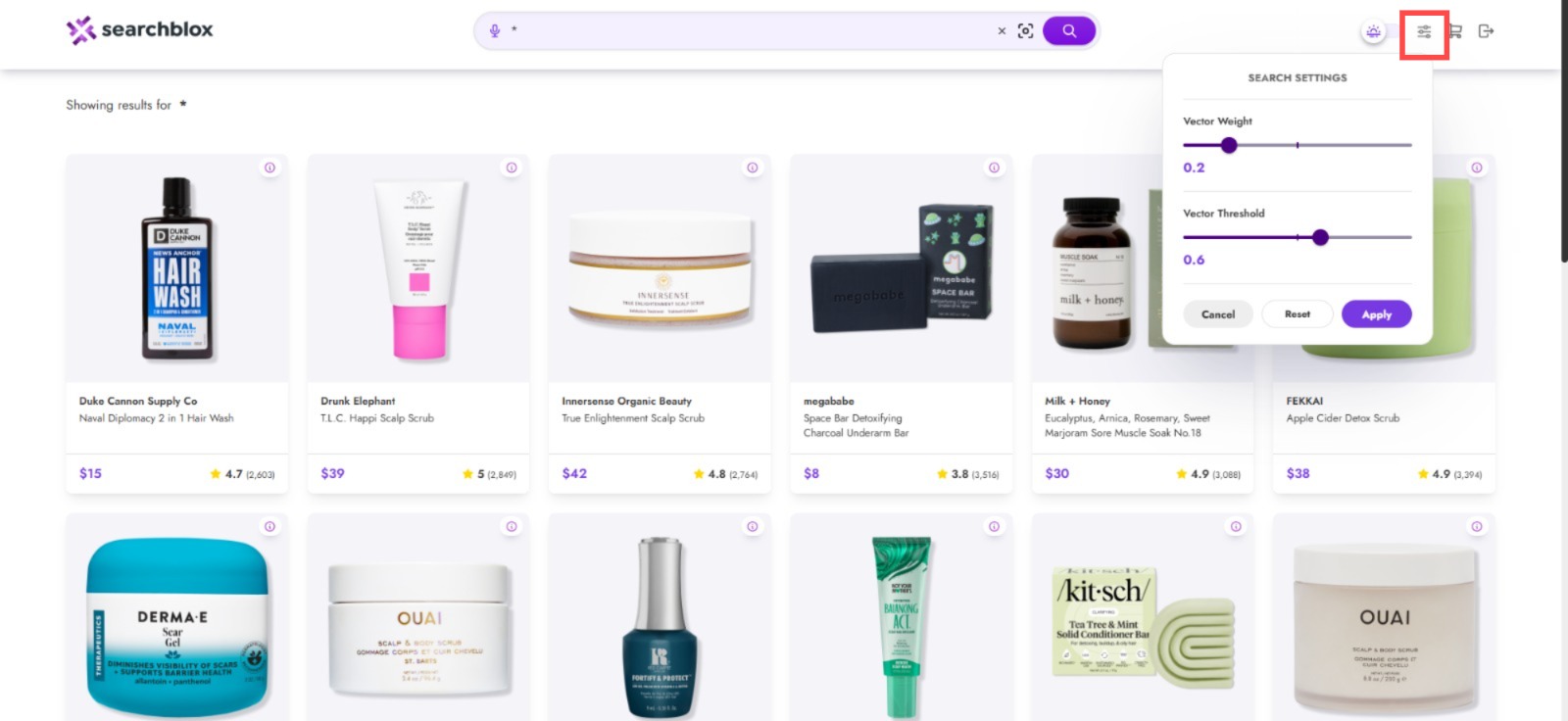
Search Setting: In the Product Discovery Search Settings, you can control the keyword-to-vector weight ratio used in hybrid search.
-
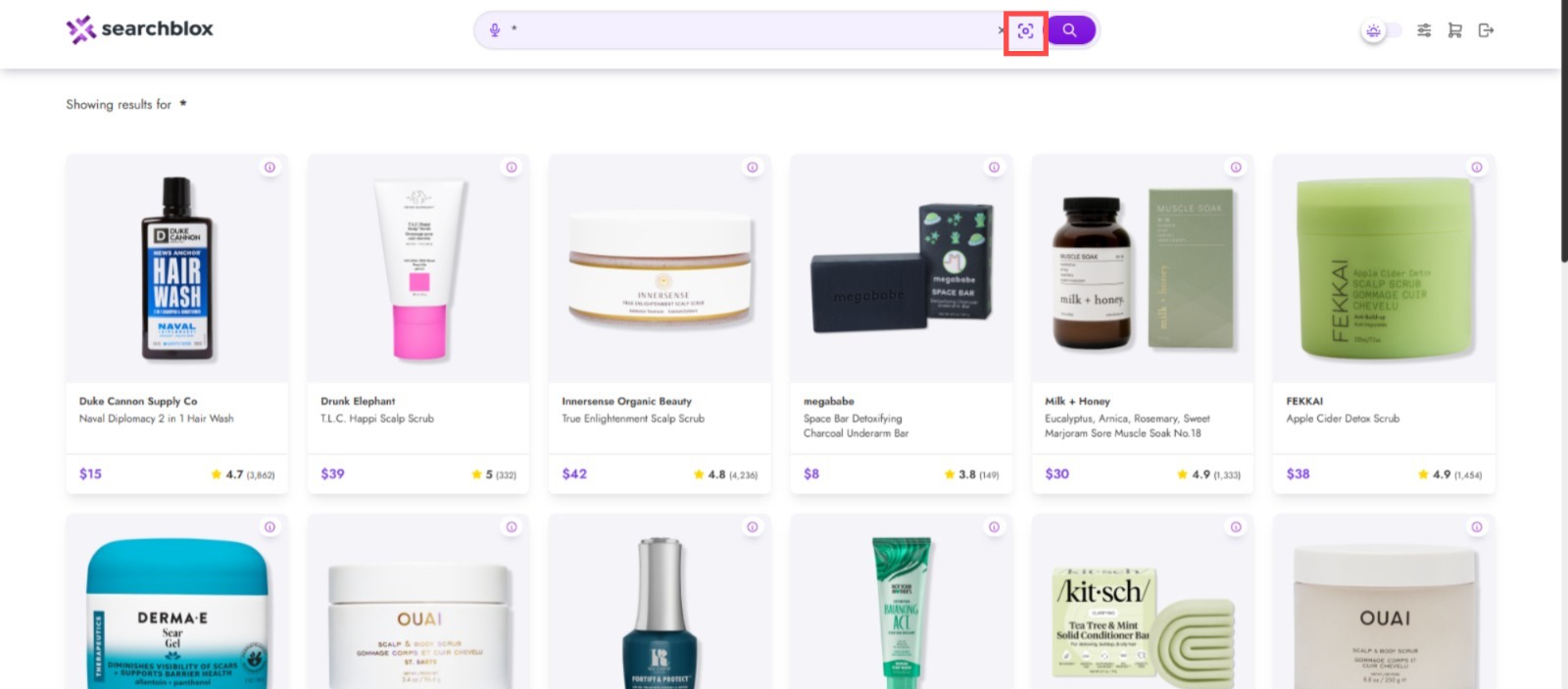
Visual Search: lets you search using an image to find visually similar images, products, or information related to what's shown in it.
-
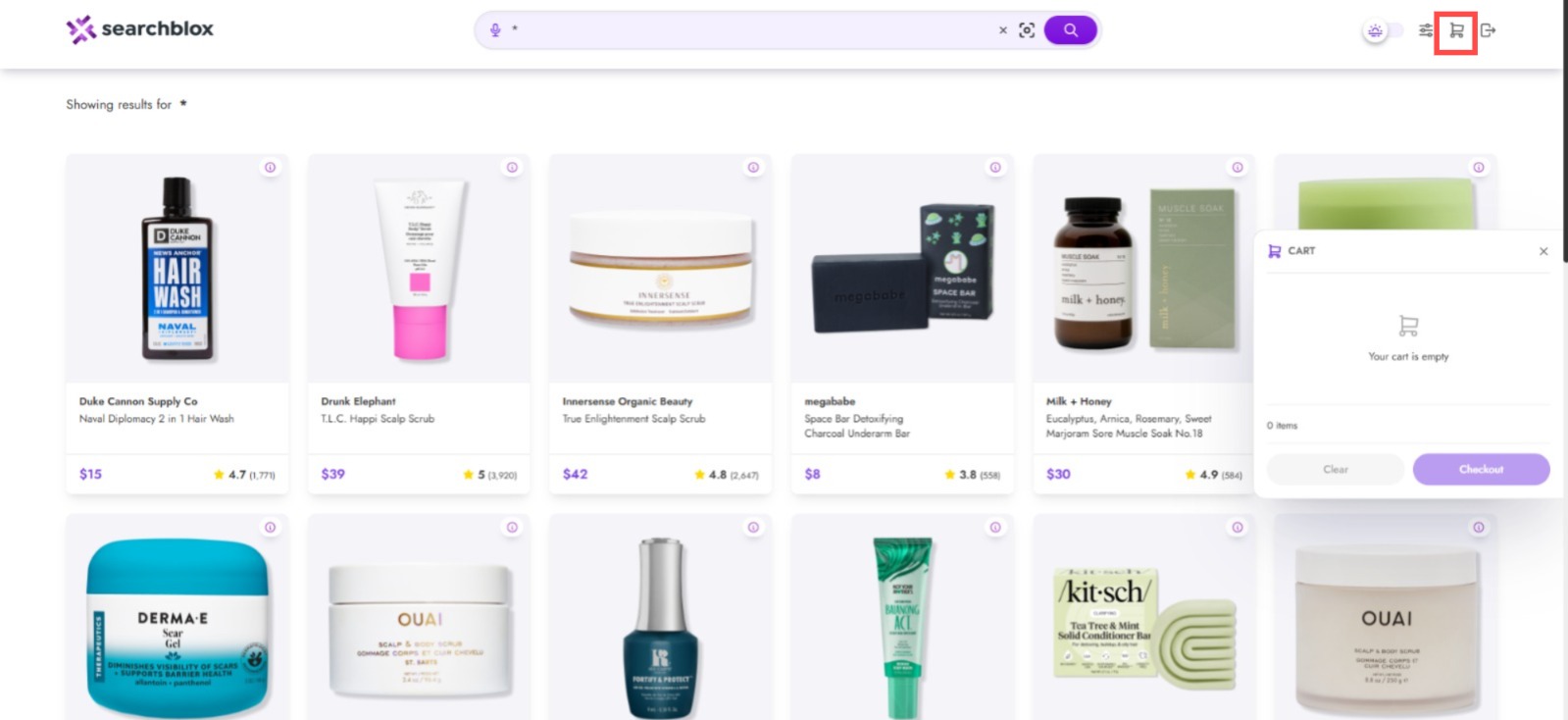
Cart: Add to cart is the action of placing a product into a virtual shopping cart so you can purchase it later at checkout.
NOTE:To modify the plugin, refer to the Product Discovery Plugin link below.
Product Discovery Plugin
Updated 27 days ago