
SearchAI Overview
AI Overview is a search feature that uses generative AI to display a short, AI-generated summary at the top of search results, giving users a quick direct answer to their query.
Prerequisite:
- Download and install SearchBlox Service
- Create, configure and index a
Rag EnabledCollection.- Navigate to Search Page, by default Hybrid-Search Plugin.
Steps to Use AI Overview
To enable AI Overview on search page follow the following steps.
-
Navigate to Search Page, for example
https://localhost:8443/hybrid-search/index.html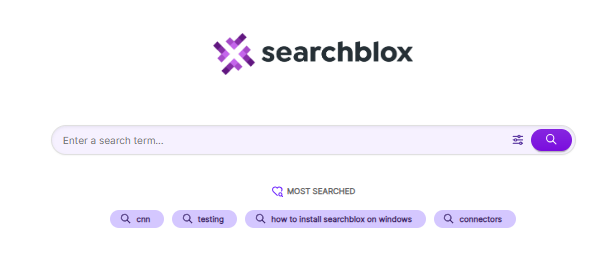
-
Open
Plugin Settingson the right side of the page and turn on theAI Overviewtoggle to enable it.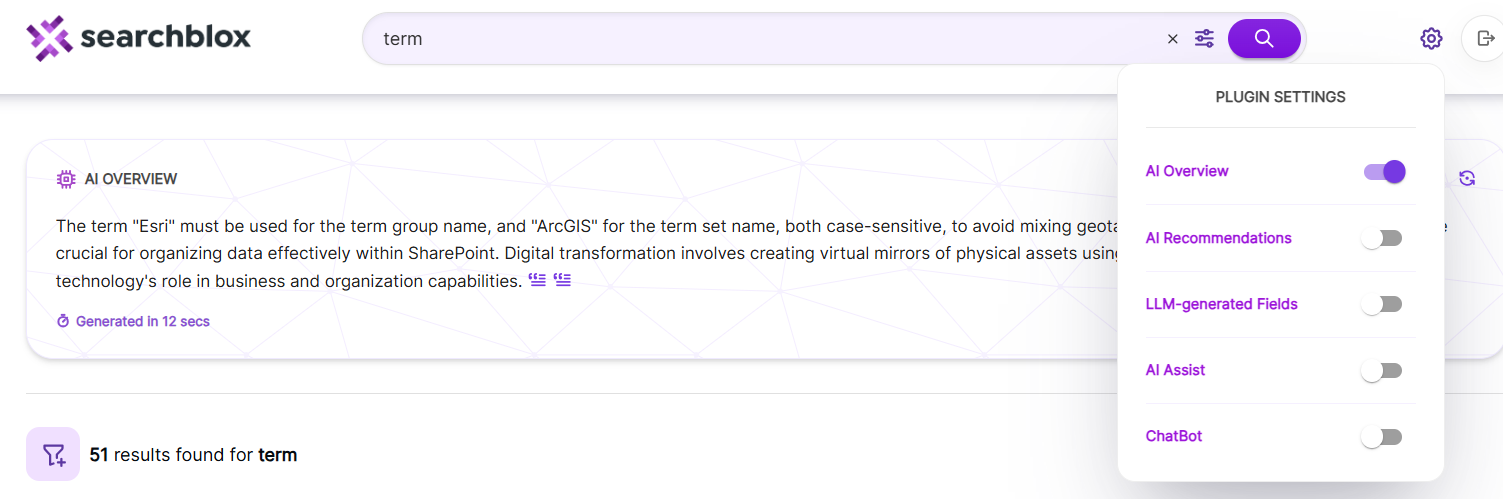
-
Start searching,
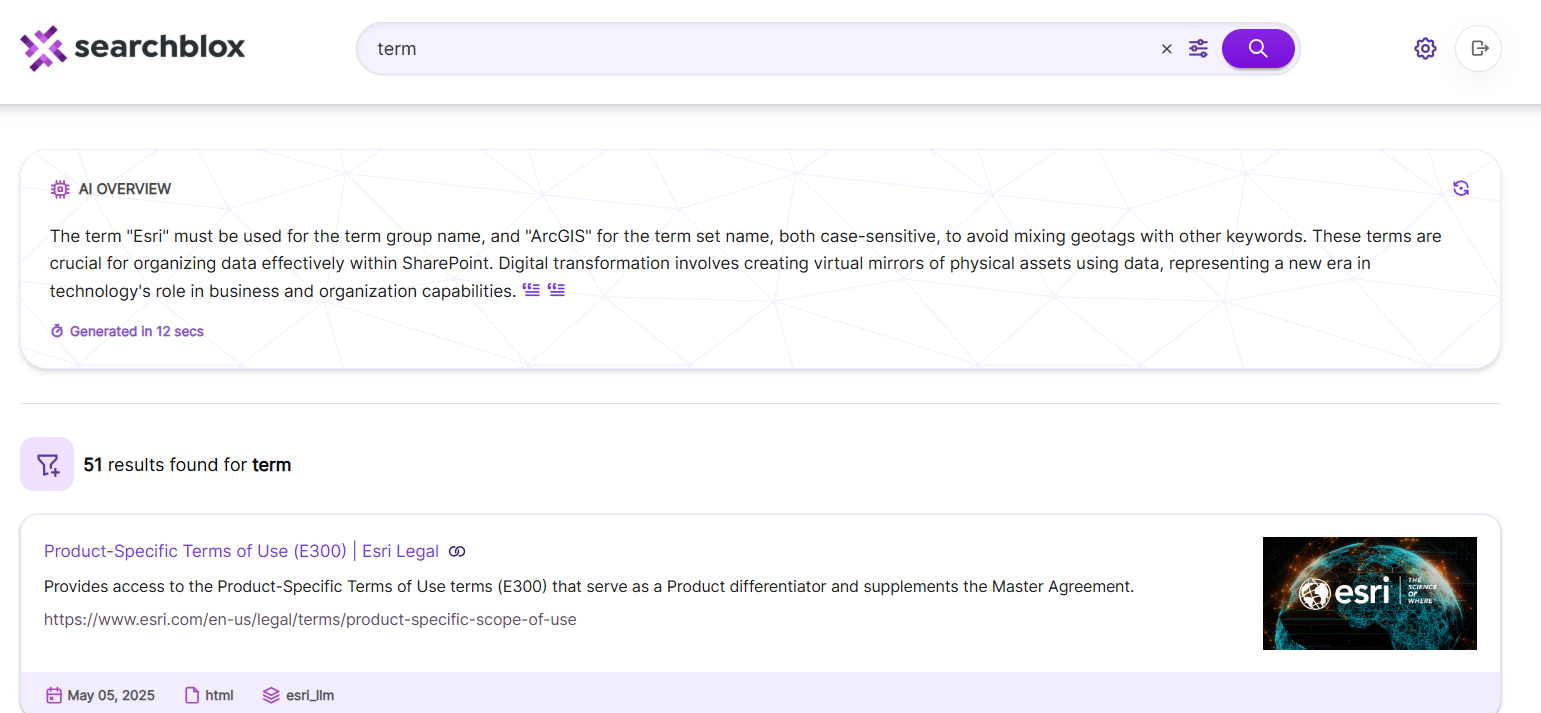
AI Overviewwill appear at top of the search as show in the image.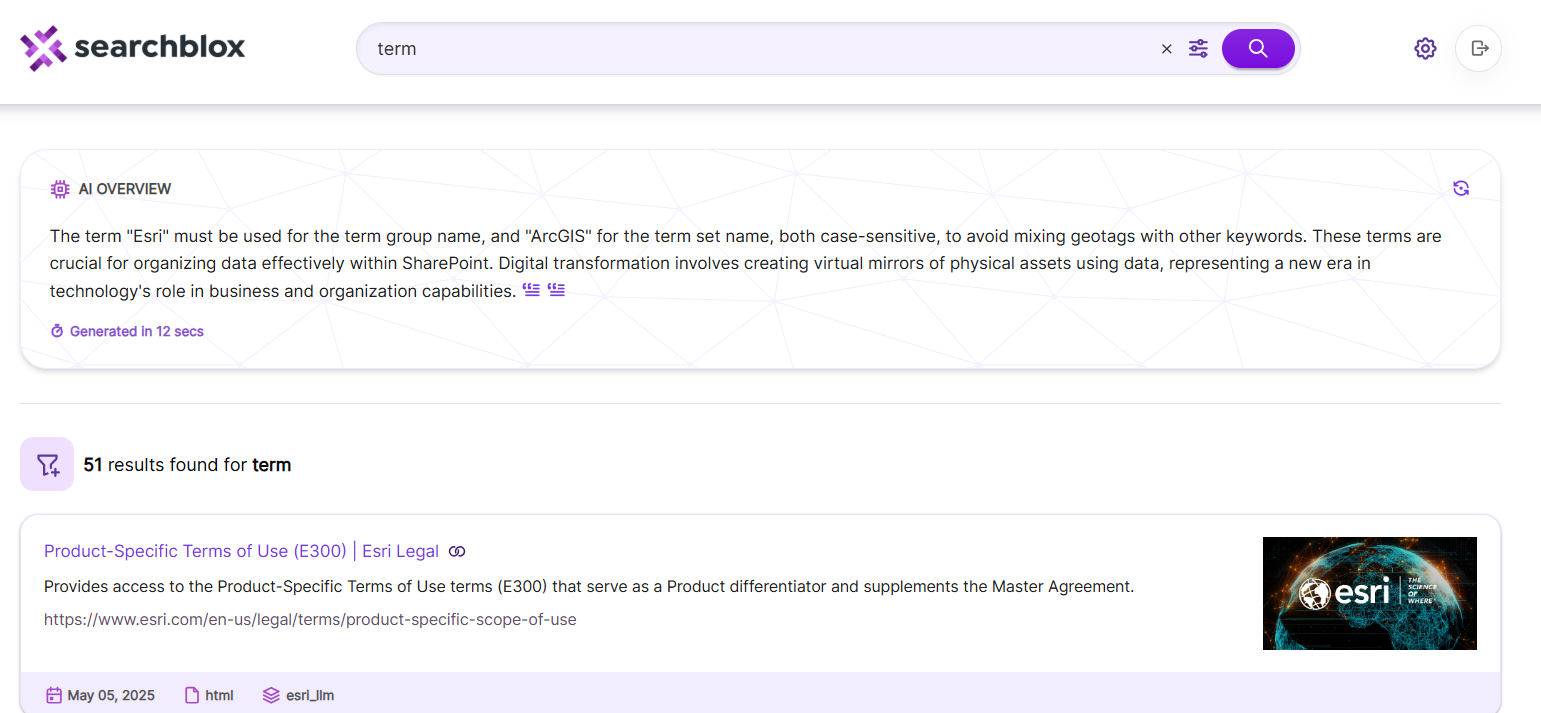
Updated 28 days ago
Did this page help you?