
SearchAI Recommendations
AI Recommendations provides immediate, contextual recommendations when users click on search results. It is available for enterprise search, e-commerce platforms, and client portals.
By continuously analyzing the content a user clicks, SearchAI Recommend uses LLMs to predict the user’s interests and deliver relevant recommendations. This creates a personalized experience that helps users discover content that matches their interests in real time.
When turned ON, this feature displays recommendations based on the user’s subsequent clicks on search results, helping guide content discovery and dynamically surface relevant information.
Prerequisite:
- Download and install SearchBlox Service
- Create, configure and index a
Rag EnabledCollection.- Navigate to https://localhost:8443/hybrid-search/index.html.
Steps to Use SearchAI Recommendations
To enable AI Recommendations on search page follow the following steps.
-
Navigate to Search Page, for example
https://localhost:8443/hybrid-search/index.html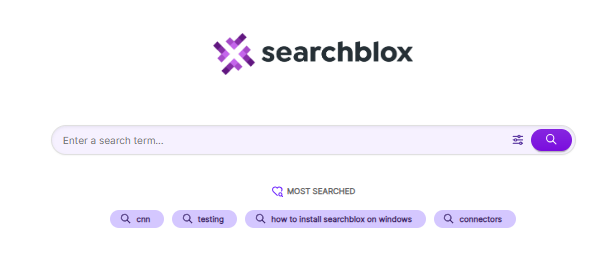
-
Open
Plugin Settingson the right side of the page and turn on theAI Recommendationstoggle to enable it.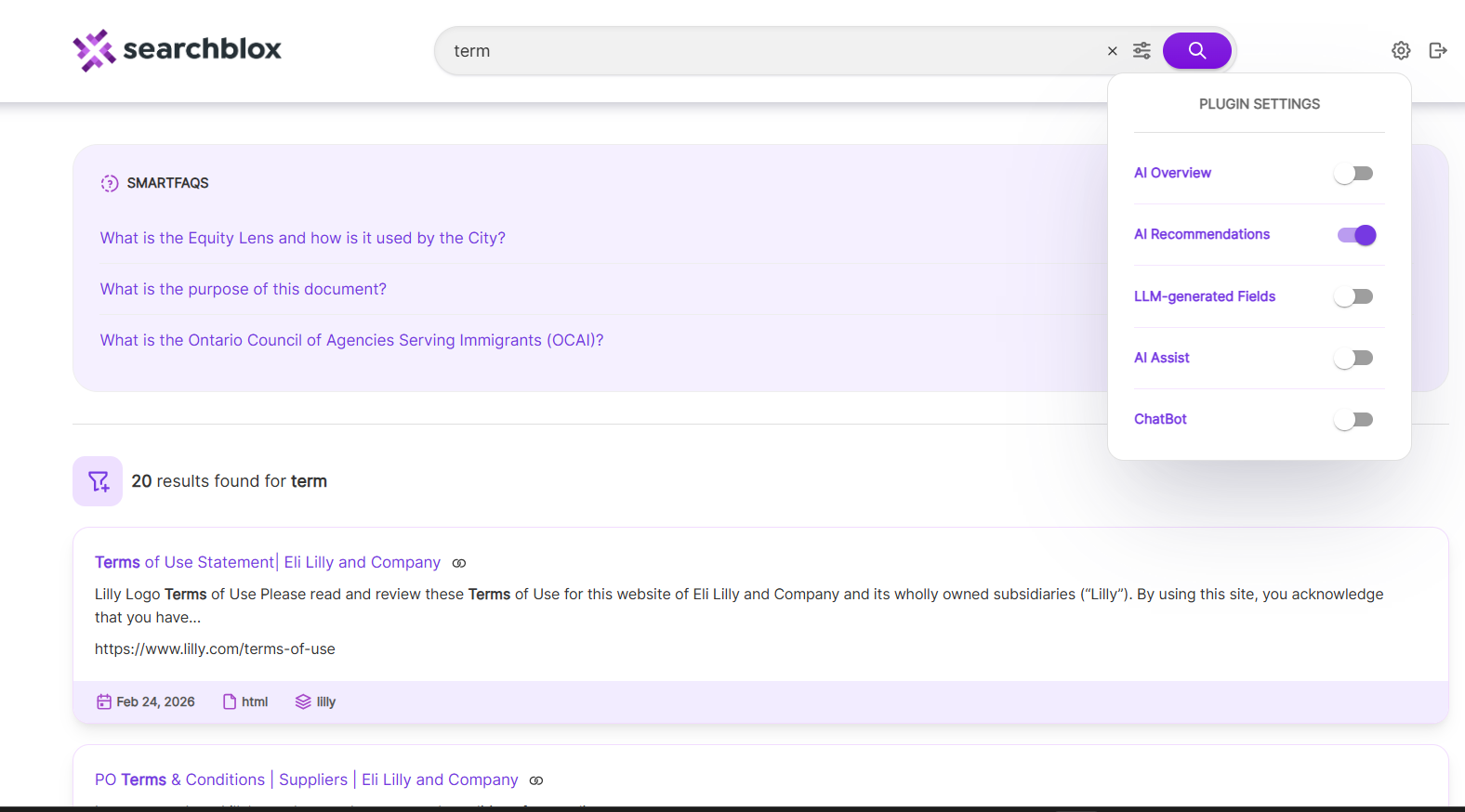
-
Start searching and click on results. Based on your clicks,
AI Recommendationswill appear at top of the search results page.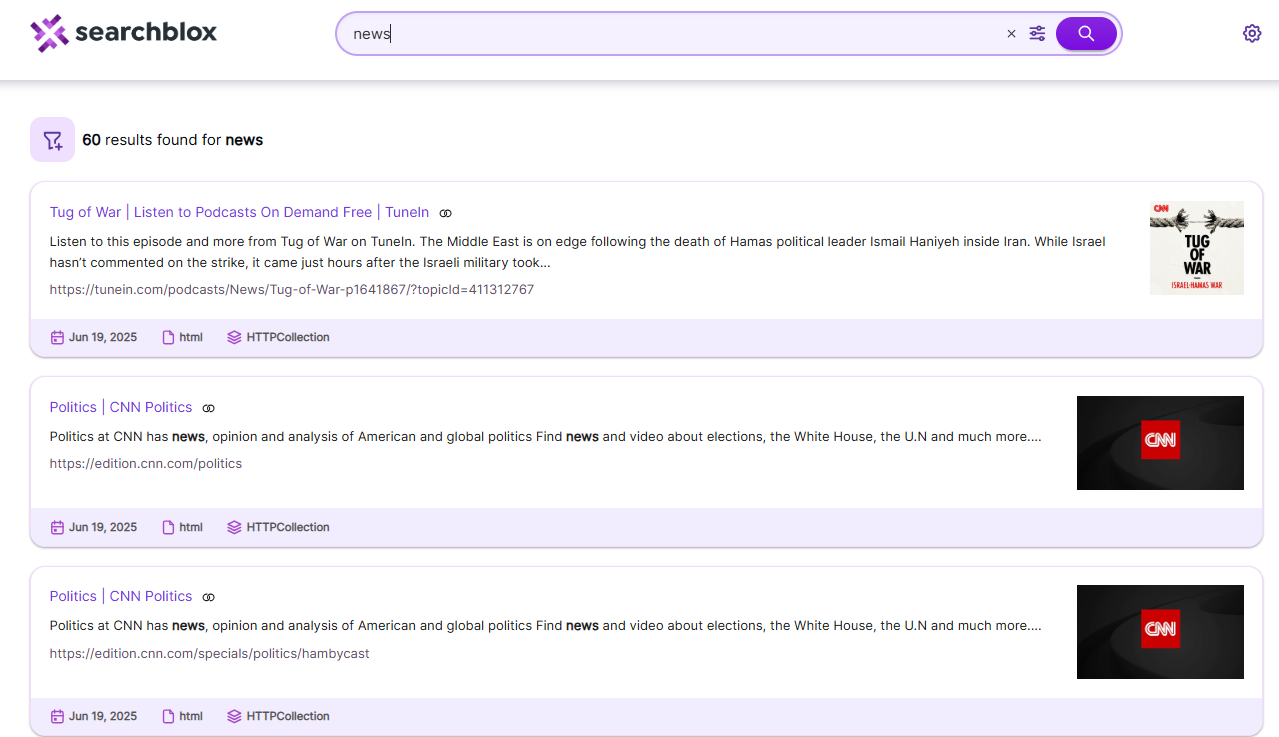
Updated 27 days ago