
Secure Search
By default, SearchBlox runs in public search mode. To restrict access and require authentication, you can switch to secure search using one of the security models listed below.
To enable secure search, navigate to the Security section in the SearchBlox Admin Console and set the Security Settings to Private. This restricts search access to authenticated users only.

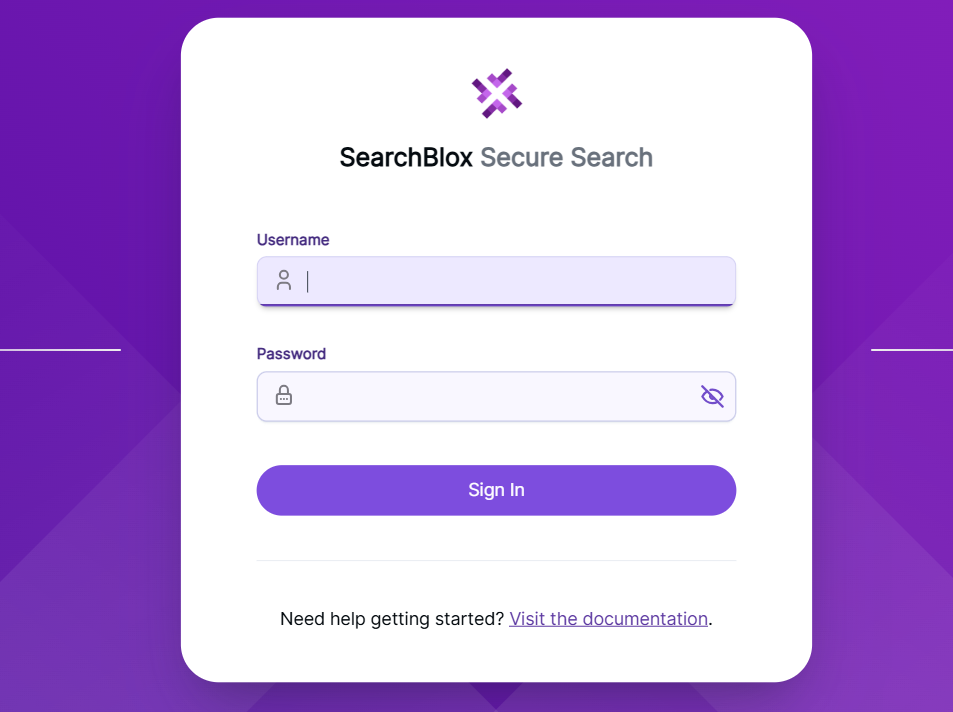
After you turn on the security type, you can run secure searches using the faceted search URL.https://domain:port/search/index.html

Updated 28 days ago
What’s Next
Did this page help you?