
CSV Data Source
CSV Data Source is used to index data from a CSV file, which should have at least one column containing the list of URLs.
Configuring SearchBlox
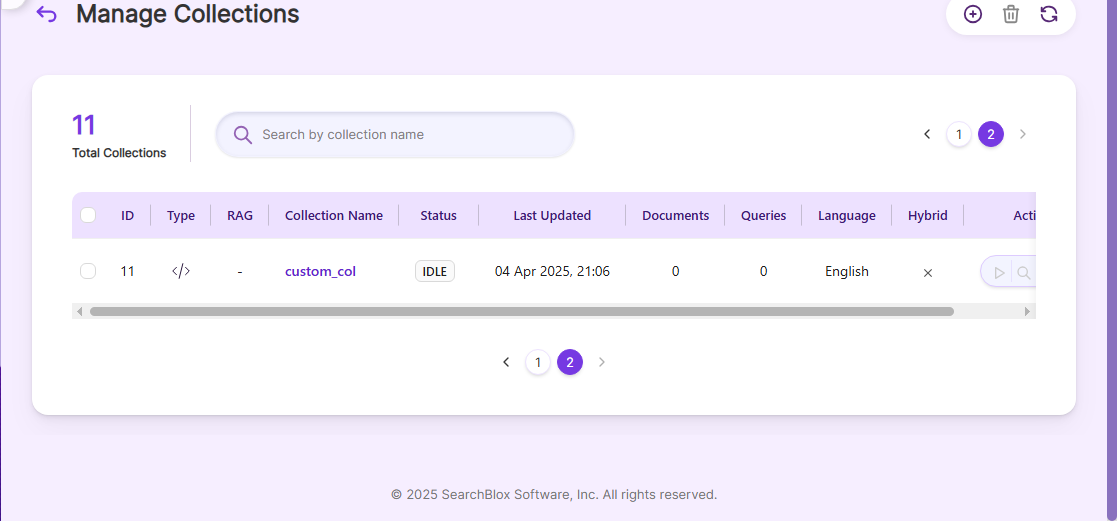
Before using CSV Data Source, install SearchBlox and create a Custom Collection.
Configuring CSV Data Source
- Keep all files for the data source in the same folder.
- The CSV data file should have a column with the URL field in the following screenshot:

- Download the SearchBlox Connector UI and extract the zip to a folder.
Contact [email protected] to request the download link for SearchBlox Connectors UI. The following steps include the example paths for both Windows as well as Linux. In Windows, the connector would be installed in the C drive.
- Unzip the archive under C: or /opt.
- Create a data folder on your drive to temporarily store the files.
- Configure the required properties when creating a data source in the Connector UI.
For accessing connector UI refer the following link:
Connectors UI
NoteIn Linux, make sure that necessary permissions have been provided to the folder /opt by using the CHMOD command for writing log files and executing jar files.
| API KEY | SearchBlox API Key |
|---|---|
| colname | The name of the custom collection in SearchBlox. |
| URL | SearchBlox URL |
| data-directory | Folder path where connector and data files are stored |
| data-directory-csv | Name of the CSV file to index (e.g., test.csv) |
Updated 17 days ago
Did this page help you?