
Azure File Data Source
Configuring SearchBlox
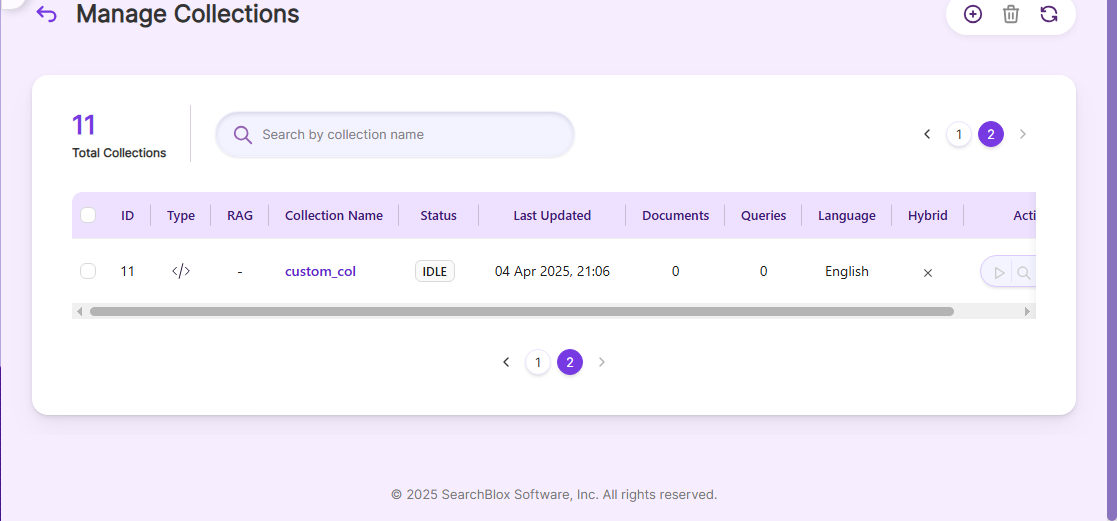
Before using the Azure File Data Source, make sure SearchBlox is installed properly and create a Custom Collection.
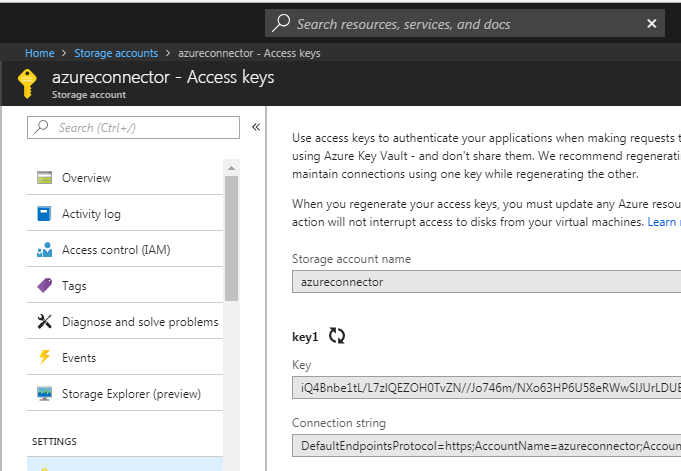
Getting Azure keys
Log in to Azure and get the Storage Account Name and Access Key (key1) for the Azure File storage you want to index in SearchBlox.
Configuration details of Azure File Data Source
| data-directory | Folder where data will be stored. Make sure it has write permission. |
| api-key | SearchBlox API Key (found in Admin Dashboard → Admin → License page). |
| colname | Name of the custom collection in SearchBlox. |
| url | SearchBlox URL |
| azurefileurl | File URL for Azure |
| fileaccesskey | Access key for your Azure file storage. |
| filestorageaccount | Name of your Azure storage account. |
| exclude-formats | File formats to exclude from indexing. |
| max-folder-size | Maximum size of a folder (in MB) before it is swept. |
| search url & delete-api-url: | Make sure the port number is correct. For example, use 8443 if SearchBlox runs on port 8443. |
Updated 24 days ago
Did this page help you?