
Drupal Data Source
Configuring SearchBlox
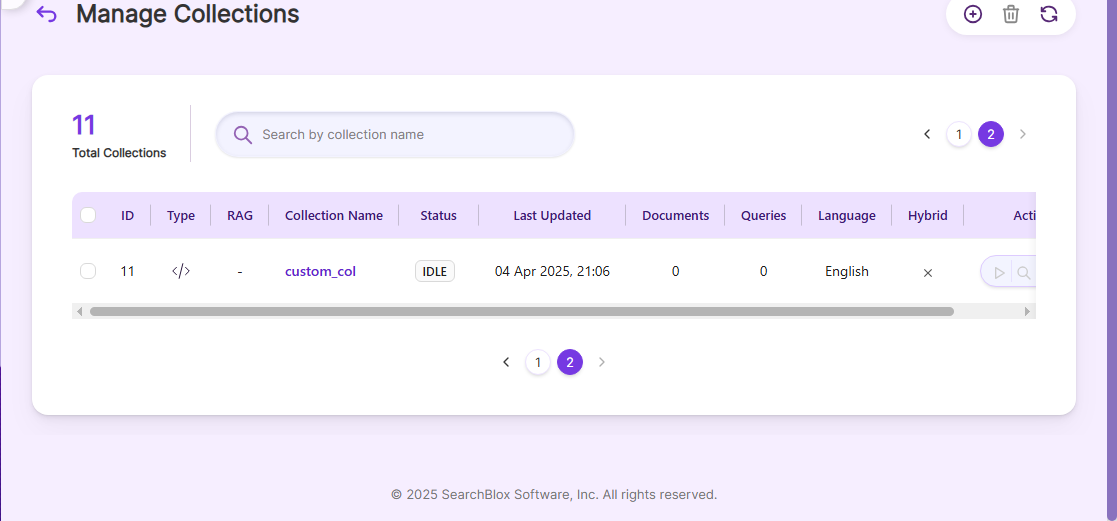
Before using the Drupal Data Source, install SearchBlox successfully and create a Custom Collection.
NoteSearchBlox drupal Data Source is compatible with Drupal version 9.2.2.
Configuring Drupal Account
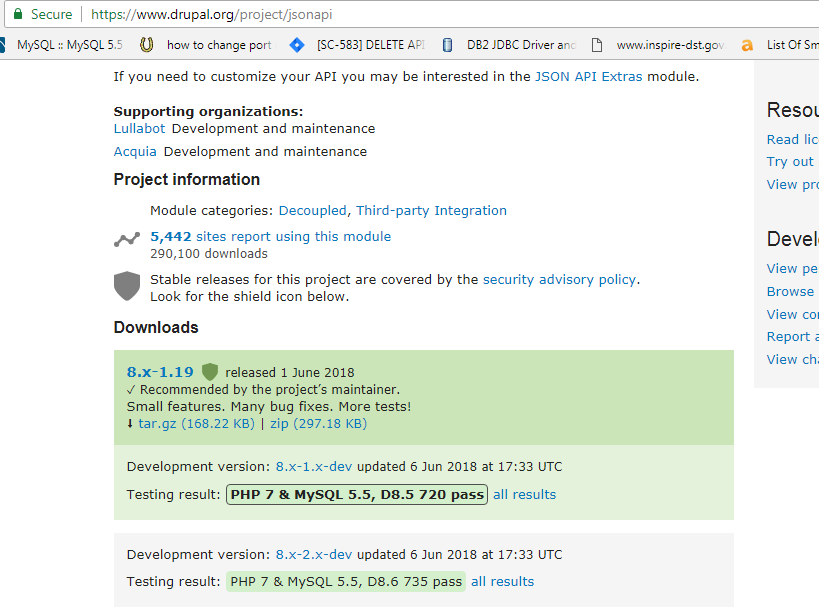
you need to enable JSON API extension by adding it to Drupal from local import
Download Link: https://www.drupal.org/project/jsonapi

Configuration details of Drupal Data Source
| username | Your Drupal username. |
| password | Your Drupal password. |
| data-directory | Folder where data will be stored (must have write permission). |
| api-key | Your SearchBlox API Key (found in Admin Dashboard → Admin → License). |
| colname | Name of the custom collection in SearchBlox. |
| url | The SearchBlox URL. |
| drupalurl | Drupal url http:///drupal/jsonapi/node/ |
| drupalloginurl | Drupal login url http:///drupal/user/login?_format=json |
| drupalcontenturl | Drupal content url http:///drupal/node/ |
| max-folder-size | The maximum size (in MB) allowed for the static folder before it gets cleaned. |
| servlet url & delete-api-url: | Ensure the port number is correct. If SearchBlox uses port 8080, these URLs should use the same port. |
Updated 17 days ago
Did this page help you?