
XML Data Source
XML Data Source is used to index XML files by reading all information inside the tags. Header tags become meta tags in SearchBlox, and body content becomes the document’s description/content.**
Configuring SearchBlox
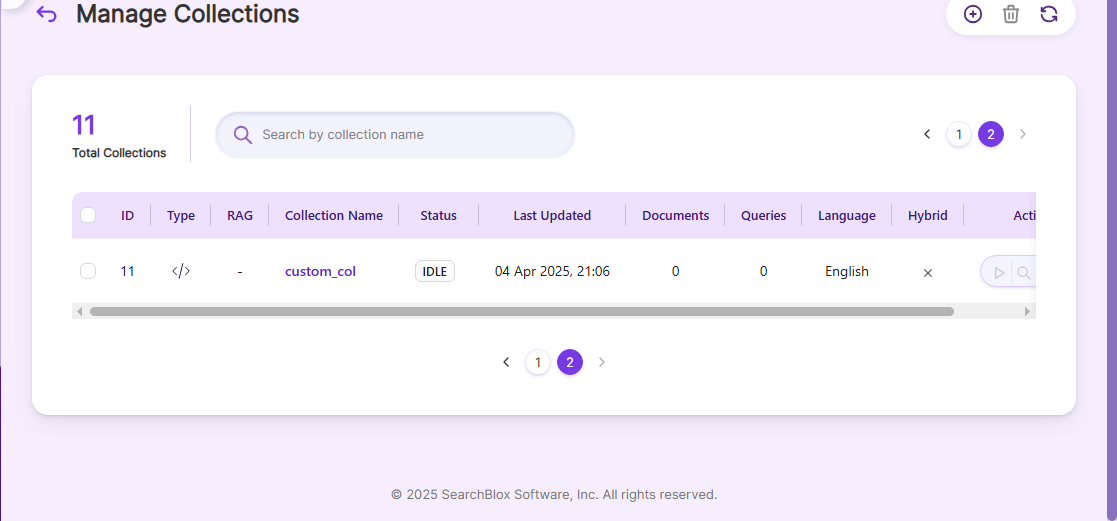
Before using the XML Data Source, make sure SearchBlox is installed properly and create a Custom Collection.
Configuration details of XML Data Source
- The XML file must have record tags containing the URL to be indexed, along with other metadata inside metadata tags for the connector to work.
<?xml version="1.0"?>
<gsafeed>
	<header>
		<datasource>test</datasource>
		<feedtype>metadata-and-url</feedtype>
	</header>
	<group>
		<record url="https://www.example.com/ethical_hacking/ethical_hacking_tutorial.pdf">
			<metadata>
				<meta content="FOU" name="category" />
				<meta content="2018" name="applicable-reports" />
				<meta content="2018" name="display-evaluators" />
				<meta content="1d" name="criteria-2018-1" />
				<meta content="2018" name="show-on-www" />
			</metadata>
		</record>
		<record url="https://www.example.com/cprogramming/cprogramming_tutorial.pdf">
			<metadata>
				<meta content="SSV" name="category" />
				<meta content="2014" name="applicable-reports" />
				<meta content="2014" name="display-evaluators" />
				<meta content="3c" name="criteria-2014-3" />
			</metadata>
		</record>
		<record url="https://www.example.com/android/android_tutorial.pdf">
			<metadata>
				<meta content="SSV" name="category" />
				<meta content="2014" name="applicable-reports" />
				<meta content="3c" name="criteria-2014-3" />
			</metadata>
		</record>
    		<record url="https://www.searchblox.com/">
			<metadata>
				<meta content="SSV" name="category" />
				<meta content="2014" name="applicable-reports" />
				<meta content="3c" name="criteria-2014-3" />
			</metadata>
		</record>
    	</group>
</gsafeed>
Note:In Linux, make sure that necessary permissions have been provided to the folder /opt by using the CHMOD command for writing log files and executing jar files.
| api-key | SearchBlox API Key |
| colname | Name of the custom collection in SearchBlox. |
| url | SearchBlox URL |
| data-directory | Folder and filename of the XML file to fetch data from. |
| log-file-maxSize | Size in MB after which a new log file is created. |
| log-file-maxBackup | Number of backup log files to keep before deletion. |
| log-file-maxAge | Number of days after which old log files are deleted. |
Updated 27 days ago
Did this page help you?