
Recommendations Analytics
Access to Recommendations Analytics requires Super Admin or Admin permissions in the SearchBlox Admin Console.
Recommendations Analytics gives you a detailed view of how users interact with search recommendations across all your collections. Use it to track which recommendations are driving clicks, understand user behavior patterns, and measure how effectively recommendations are improving search performance.
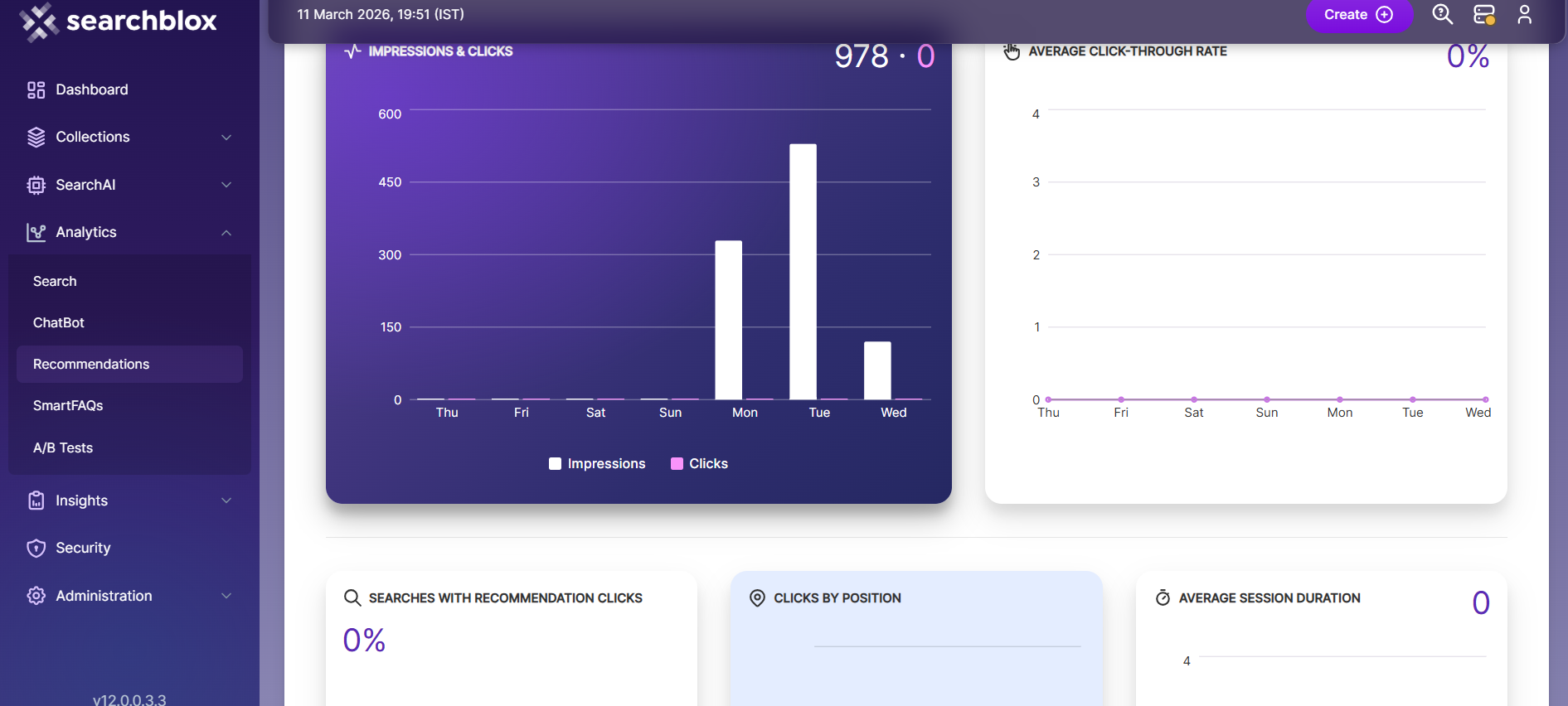
Recommendation Analytics Dashboard
The Recommendation Analytics section in the Admin page provides a complete report of all recommendation clicks across every collection in SearchBlox. The data is shown in a clear dashboard format and can be exported as CSV or Excel files, or accessed through a downloadable URL.
View Recommendation Analytics
In the Analytics Dashboard, you can view several recommendation performance metrics:
| Metric | Description |
|---|---|
| Impressions and Clicks | Total number of times recommendations were displayed and clicked |
| Average Click-Through Rate | Percentage of recommendation impressions that resulted in a click |
| Searches with Recommendation Clicks | Number of searches where users clicked a recommendation |
| Clicks by Position | Shows which position in the recommendation list receives the most clicks |
| Average Session Duration | Average time users spend in a session while interacting with recommendations |
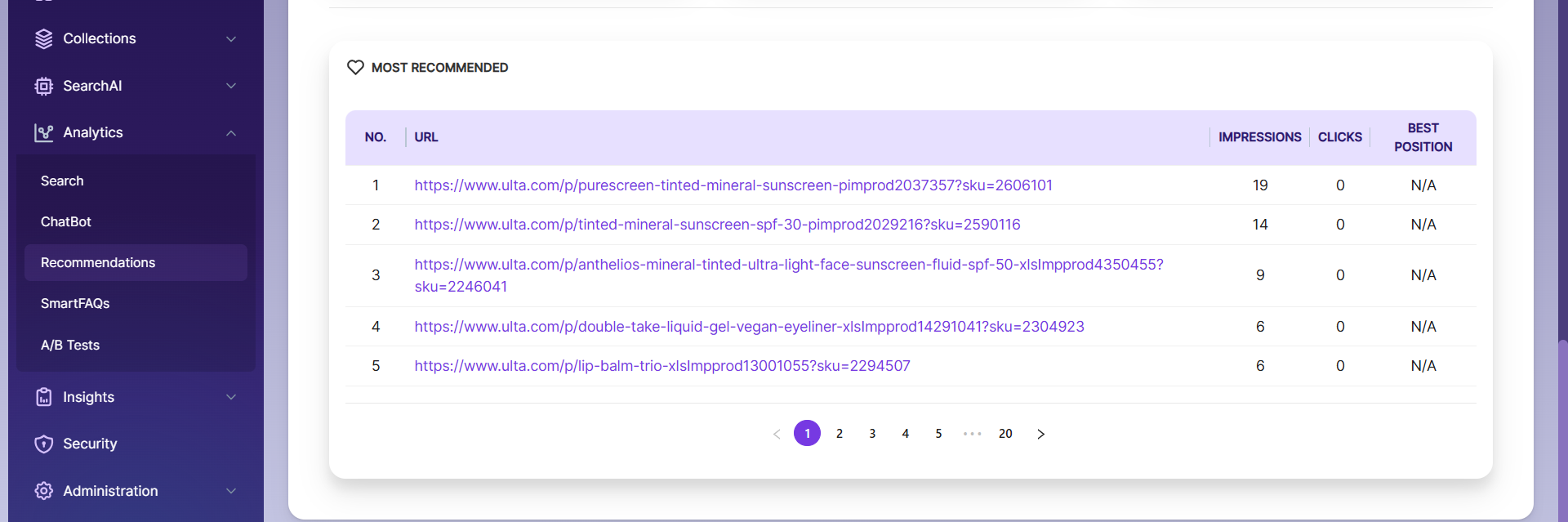
| Most Recommended | Top recommended URLs, including impressions, clicks, and their best-performing position |
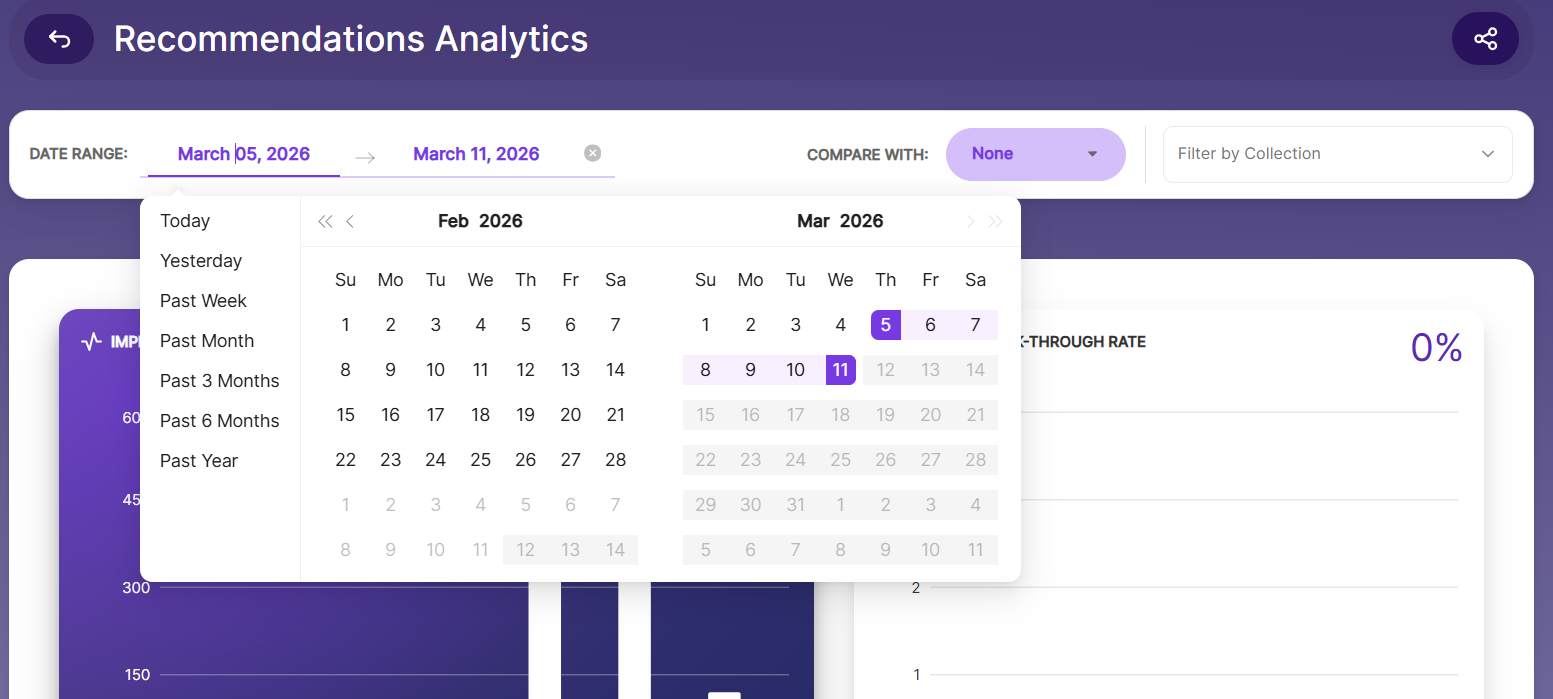
You can customize your analysis by selecting a specific time range using the date range selector at the top of the dashboard.
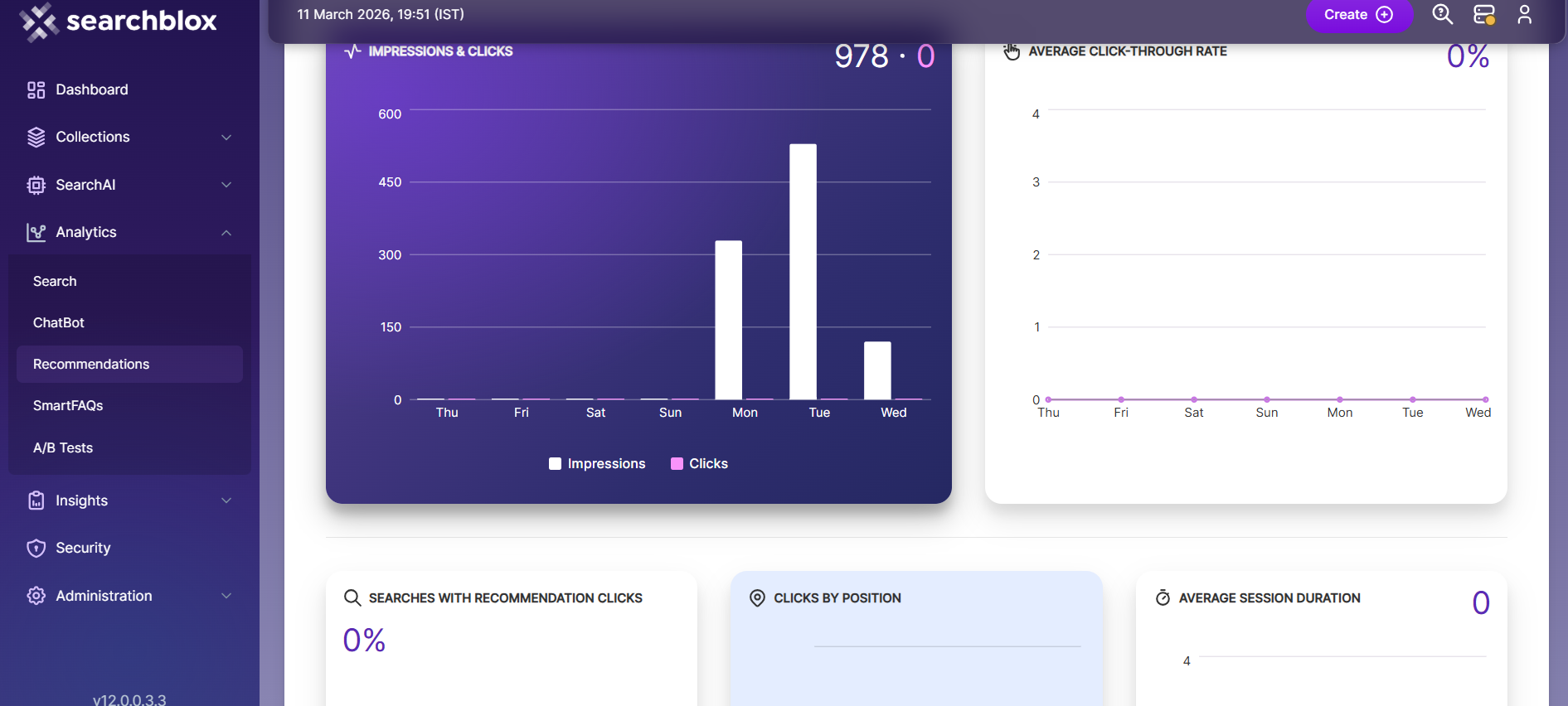
Download Query Logs Report
The Analytics feature lets you compare results across different time periods and download detailed query logs for:
- Today
- Yesterday
- Past Week
- Past Month
- Past 3 Months
- Past 6 Months
- Last Year
Using the easy-to-use compare button, you can choose from three comparison options to review performance trends:
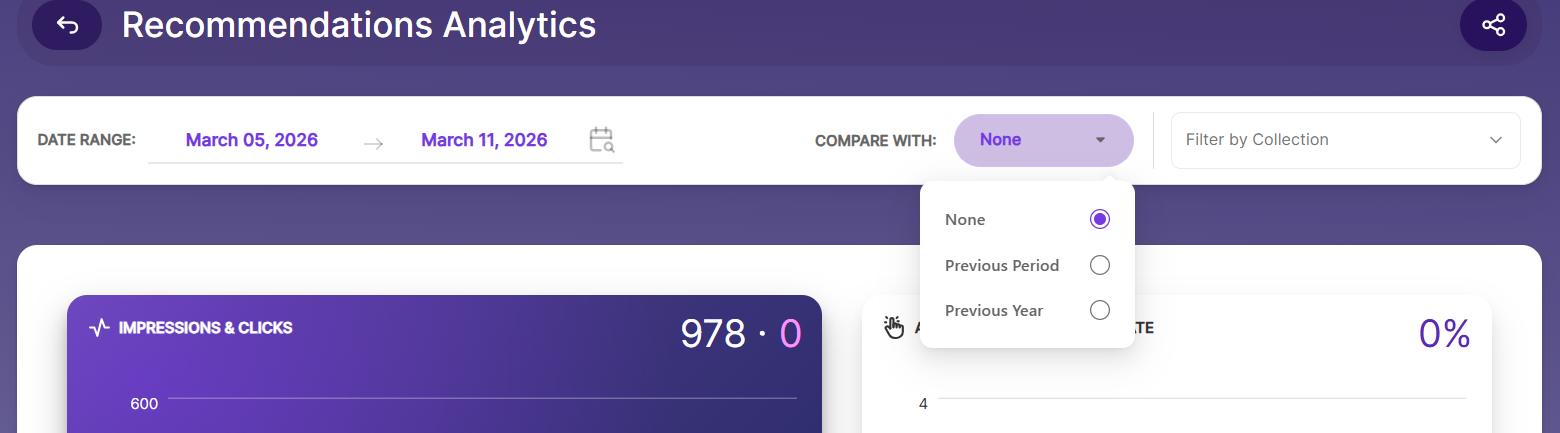
- None: Shows full results with no comparison.
- Previous Period: Compares results with the same days from the previous matching timeframe.
- Previous Year: Compares results with the same date range from the previous year.
For customized analysis, query logs can also be downloaded for any selected date range.
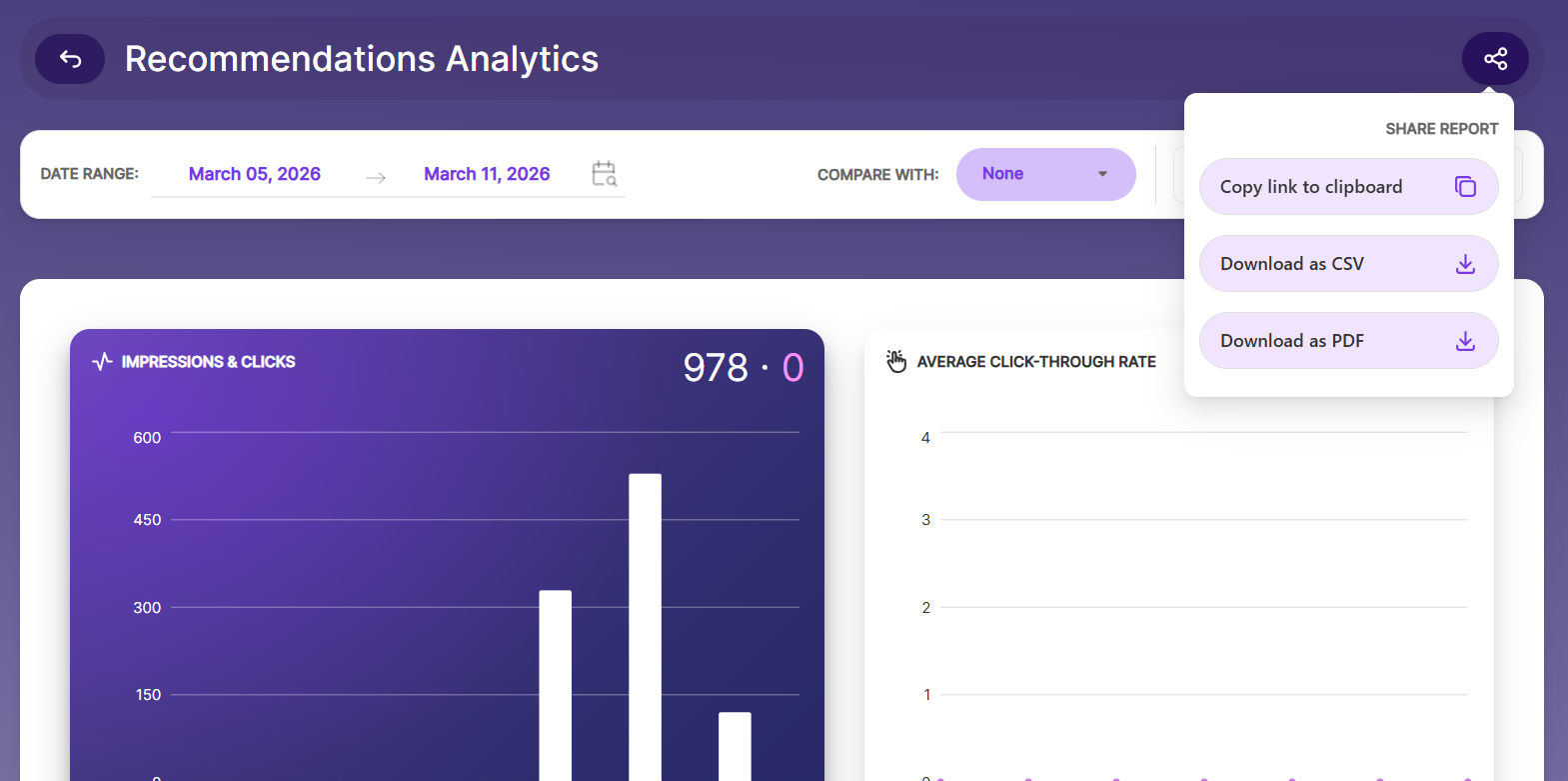
SearchBlox offers three convenient ways to share analytics reports:
Copy Link to Clipboard: Copy and share the direct report link with team members.
Download as CSV: Export the report in CSV format for data analysis.
Download as PDF: Export the report in PDF format for presentations or further analysis.
Updated 16 days ago