
SharePoint 2013 Data Source
Configuring SearchBlox
Before using the SharePoint 2013 Data Source, make sure SearchBlox is installed and a Custom Collection is created.
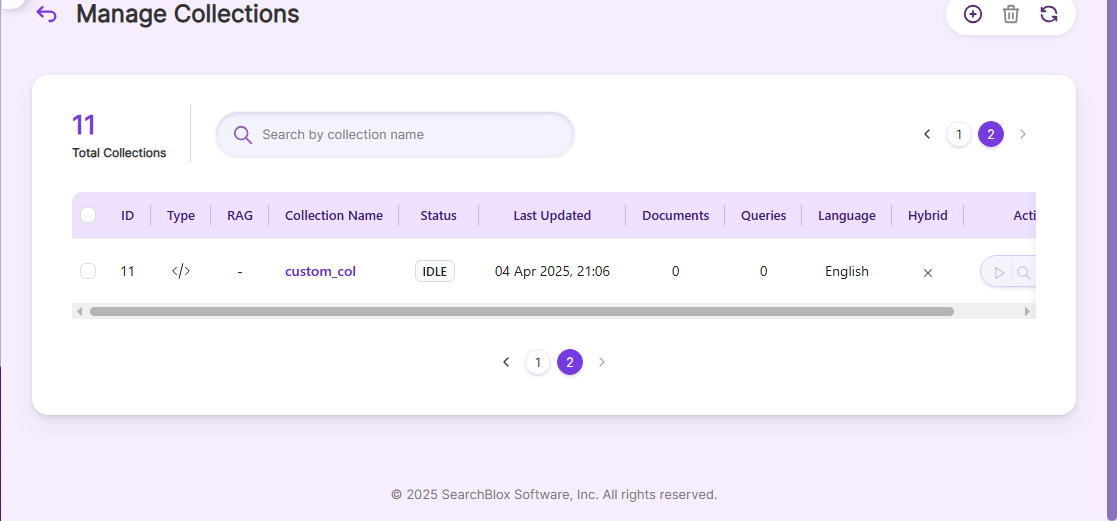
Configuring SharePoint 2013 Data Source
- Here is the same content in an easy way, keeping the same pattern and same points:
Download the SearchBlox Connector UI and extract the zip file to a folder.
Contact [email protected] to get the download link. Example paths are provided for Windows and Linux. On Windows, the connector can be installed on the C drive.- Unzip the archive under C:* (Windows) or /opt/* (Linux).
- Create a data folder on your drive to temporarily store the files.
- Configure the required properties after creating a data source in the Connector UI.
| username | SharePoint User Name |
| password | SharePoint Password. |
| data-directory | Folder where data will be stored. Make sure it has write permission. |
| api-key | SearchBlox API Key |
| colname | Name of the Custom Collection in SearchBlox. |
| url | SearchBlox URL |
| domain | SharePoint domain URL |
| include-formats | File formats to include. |
| exclude-folders | Folders in Alfresco to exclude. |
| max-folder-size | Maximum size of a static folder in MB before it is swept. |
| servlet url & delete-api-url: | Make sure the port number is correct. For example, use 8080 if SearchBlox runs on port 8080. |
| log-file-maxSize, log-file-maxBackups, log-file-maxAge | Specifies the size, number of backups, and age limit for log files before they are deleted. |
Updated 14 days ago
Did this page help you?