
Administration
Manage Licenses, Users, Backups, and Clustering in SearchBlox Administration
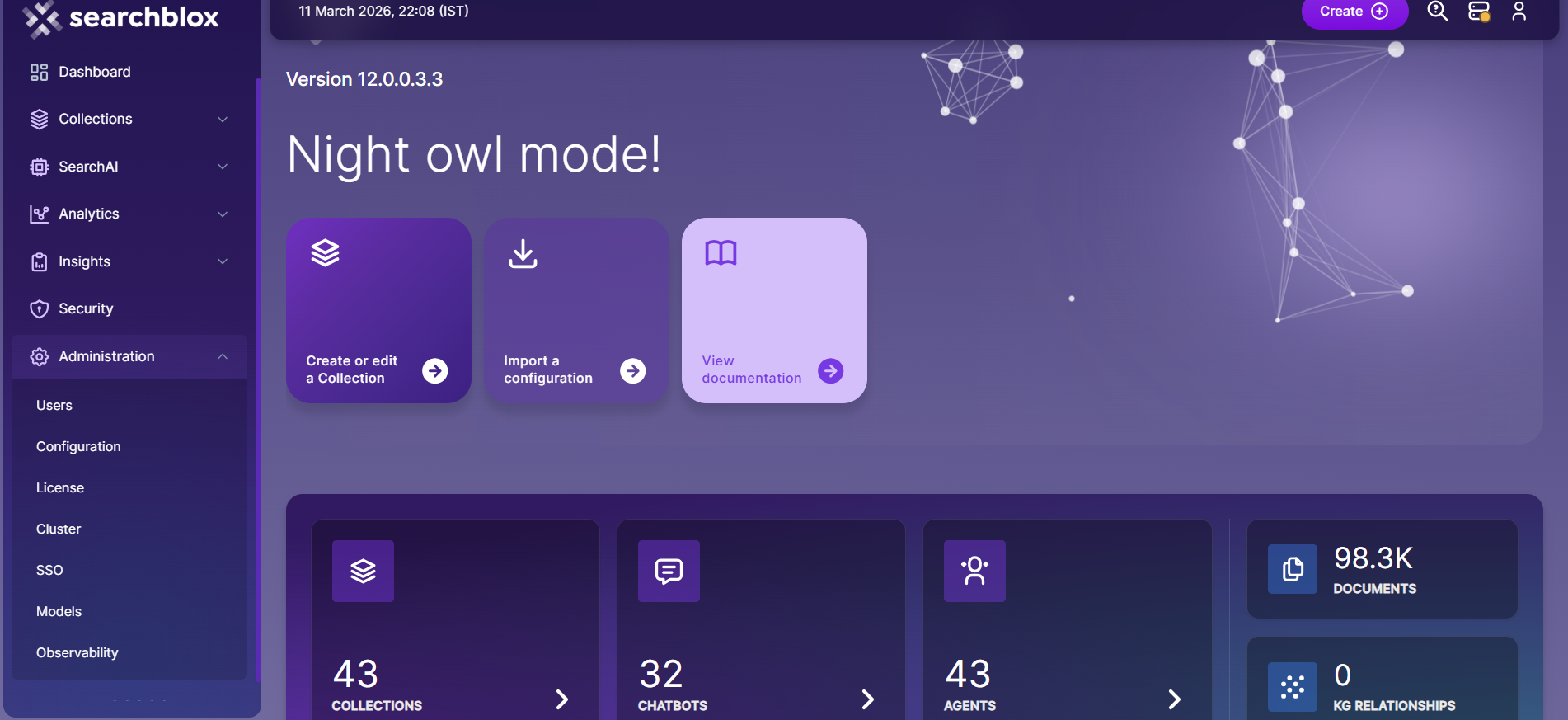
The Administration section is where you manage the core system settings for your SearchBlox installation. Use it to update your license, create and manage user accounts, back up and restore your configuration, set up a high-availability cluster, configure Single Sign-On, and manage scheduled indexing tasks.
| Section | What You Can Do |
|---|---|
| Users | Create and manage Admin, Manager, and Business user accounts, and reset passwords |
| Configuration | Export, import, or restore SearchBlox configurations |
| License | View license details and update or renew the license key |
| Cluster | Configure multi-server clustering for high availability and load balancing |
| Schedules | Manage scheduled indexing and ChatBot training tasks |
| SSO | Configure SAML-based Single Sign-On for administrator access |
Updated 24 days ago
What’s Next
Did this page help you?